

What You’ll Achieve: You’ll set up a secure, beginner-friendly wallet stack on Base-hot wallet for daily use, hardware wallet for cold storage, and an optional Safe multisig-then fund it, add USDC, and complete a test transaction.
Why This Matters
Base is an Ethereum-compatible Layer 2 with low fees (~$0.03 average) and fast confirmations, now handling ~1.1M daily transactions. That scale attracts users- and scammers. The right setup balances convenience and security: a hot wallet for everyday actions, a hardware wallet for long-term holdings, and a multisig for shared or higher-value funds. This guide gets you live on Base safely and quickly.
Prerequisites
- A computer with Chrome/Brave/Firefox and a private workspace
- Wallet: MetaMask (hot) installed; optional Ledger hardware wallet
- Minimum balances:
- Ethereum mainnet: ~0.02-0.05 ETH for bridging gas (varies with L1 fees)
- Base: ~0.005-0.02 ETH for on-chain gas after bridging
- Base network details (you’ll add these in Step 1):
- RPC:
https://mainnet.base.org - Chain ID:
8453 - Currency symbol:
ETH - Block explorer: https://basescan.org
- RPC:
- Official Base bridge: https://bridge.base.org
- Token addresses on Base (verify on BaseScan before importing):
- USDC (native):
0x833589fCD6eDb6e08f4c7C32D4f71B54bda02913 - WETH:
0x4200000000000000000000000000000000000006
- USDC (native):
Step-by-Step Process
1) Install and Secure MetaMask (Hot Wallet)
Why: A hot wallet is your daily driver for small transfers, swaps, and dApp interactions.
- Install MetaMask from metamask.io and create a new wallet.
- Write down the 12/24-word Secret Recovery Phrase on paper (or use a metal backup). Never store it in plaintext online.
- Set a strong password and enable OS-level screen lock and disk encryption.
- Optional: Create a separate MetaMask account just for Base activities to compartmentalize risk.
2) Add the Base Network to MetaMask
Why: MetaMask doesn’t show Base by default; you must add it to route transactions correctly.
- Open MetaMask →
Network selector → Add network. - Enter:
- Network name:
Base - RPC URL:
https://mainnet.base.org - Chain ID:
8453 - Currency symbol:
ETH - Block explorer:
https://basescan.org
- Network name:
- Save. Switch network to
Base.
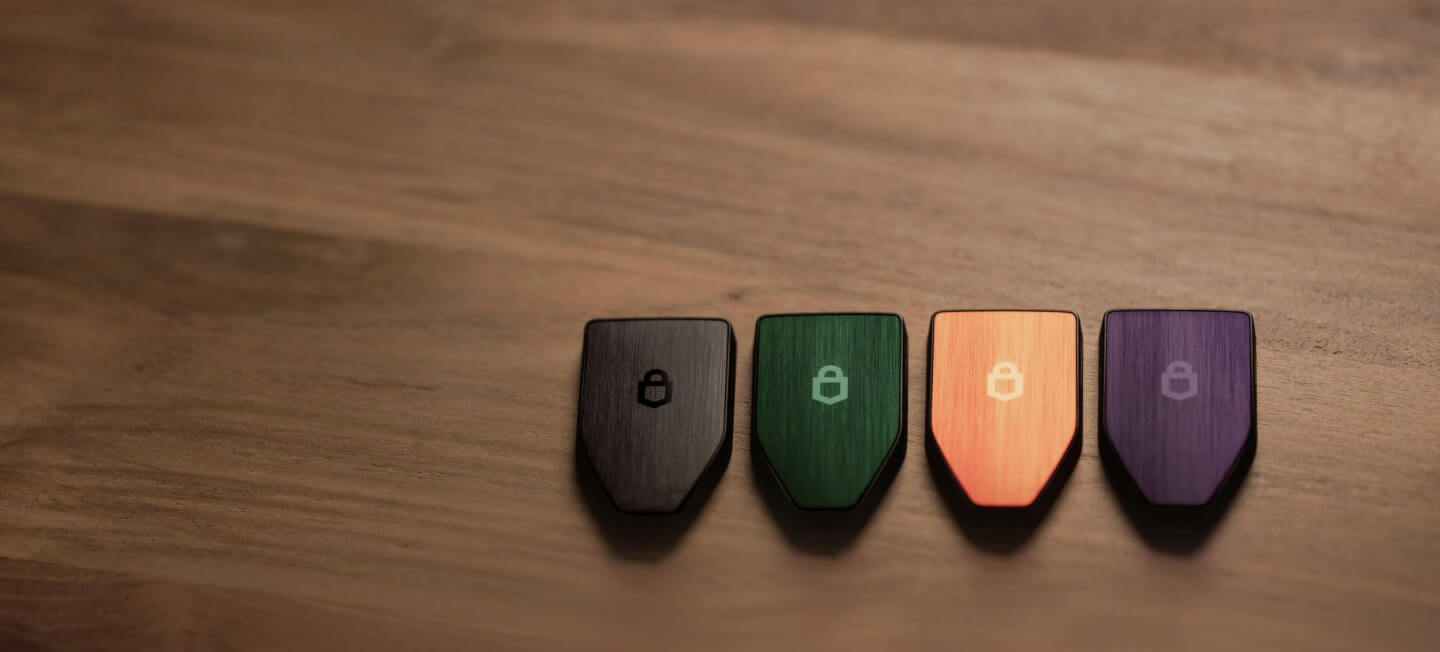
3) Connect Your Ledger (Cold Storage, Optional but Recommended)
Why: Hardware wallets keep private keys offline, mitigating malware risks. Use it for larger balances.

- Update Ledger firmware and install the Ethereum app in Ledger Live.
- Open MetaMask →
Account icon → Connect hardware wallet → Ledger. - Follow prompts; select the first Ethereum account and label it (e.g., “Ledger-Base”).
- In MetaMask, ensure the Ledger account is selected when transacting larger amounts.
- On Ledger device: enable “Blind signing” if prompted for token approvals.
4) Bridge ETH to Base via the Official Bridge
Why: You need ETH on Base to pay gas. Bridging moves ETH from Ethereum mainnet to Base.
- Go to bridge.base.org and connect your Ethereum wallet.
- Select
From: Ethereum→To: Base. - Enter amount: start with 0.05-0.2 ETH (enough for gas + first actions).
- Confirm the deposit. Pay L1 gas on Ethereum (often $1–$6, variable).
- Wait ~5–10 minutes for funds to arrive on Base. You’ll see ETH in MetaMask (Base network).
Timing & costs: L1 deposit confirmation takes minutes; Base gas for actions is typically $0.02–$0.05 per transaction.
Note: Withdrawing back to Ethereum mainnet from Base takes ~7 days due to optimistic rollup security. Plan liquidity accordingly.
5) Import USDC and Other Tokens (Verified Addresses)
Why: MetaMask only displays ETH by default. Adding verified token contracts prevents fake-token scams.
- Open MetaMask (Base) →
Assets → Import tokens. - USDC (native on Base) contract:
0x833589fCD6eDb6e08f4c7C32D4f71B54bda02913→ MetaMask auto-fills symbol/decimals. - WETH:
0x4200000000000000000000000000000000000006. - Always cross-check on BaseScan token pages before importing: basescan.org →
Search token name → verify the blue check / official page.
6) Make a Low-Risk Test Transaction
Why: A $1–$5 test confirms your setup and helps catch mistakes before larger transfers.
- Option A: Send 0.001 ETH to a second address you control (another MetaMask account or your Ledger address).
- Option B: Do a tiny swap (e.g., 0.001 ETH → USDC) on a reputable DEX that supports Base, like Uniswap at app.uniswap.org (Base).
- Confirm gas (~$0.02–$0.05). Verify receipt on BaseScan via transaction hash.
7) Set Up a Safe Multisig for Larger Holdings (Optional, Strongly Recommended)
Why: Multisig removes a single point of failure. A common setup is 2-of-3 signers (e.g., Ledger + phone wallet + backup hardware).

- Go to app.safe.global →
Create new Safe. - Select Network:
Base. - Add owners: e.g., your Ledger address, MetaMask hot wallet, and a trusted backup address.
- Set threshold:
2 of 3signatures required. - Deploy Safe (pay Base gas, usually cents). Fund it by sending ETH/USDC to the Safe address.
- Use the Safe for larger transfers, DAO ops, or team funds; keep your hot wallet for day-to-day spending.
Common Issues and Real Fixes
- Transaction stuck/pending on Base?
- In MetaMask:
Settings → Advanced → Customize transaction nonce. Speed up with a higher priority fee or cancel by sending a 0 ETH tx to yourself with the same nonce and higher gas. - Switch RPC to a reliable endpoint if the public RPC is congested (e.g., Alchemy/Infura/Ankr—use your own key).
- In MetaMask:
- Bridge deposit taking too long?
- L1→L2 usually finalizes in 5–10 minutes. Check bridge UI status and L1 tx on Etherscan and L2 arrival on BaseScan.
- Ensure you bridged to Base mainnet (chain ID 8453), not a testnet.
- Accidentally added the wrong token (USDC.e vs USDC)?
- On Base, native USDC is at
0x8335...2913. Remove fake tokens in MetaMask and re-import the correct contract from BaseScan’s verified page.
- On Base, native USDC is at
- “Insufficient ETH for gas” after bridging?
- Bridge a small additional amount of ETH (0.01–0.02) or receive a small Base ETH transfer from a friend/exchange that supports Base withdrawals.
- Ledger can’t sign token approvals/swaps?
- Open the Ethereum app on Ledger and enable “Blind signing.” Update firmware if options are missing.
- Safe multisig tx not executing?
- Check you have enough ETH in the Safe to pay gas and that the signature threshold is met. Use Safe’s “Simulate” to estimate gas before submitting.
Pro Tips (Security and Cost Savings)
- Segment funds by purpose. Daily hot wallet balance small; store the majority on Ledger or in a Safe multisig.
- Use limited approvals. When approving tokens, set a specific allowance rather than “unlimited”—reduces risk from compromised dApps.
- Verify everything on BaseScan. Before sending, paste addresses into basescan.org. Bookmark official links to avoid phishing.
- Transact during off-peak L1 hours for bridging. ETH mainnet gas (for deposits) is often cheaper on weekends or late UTC hours.
- Backups: two is one, one is none. Keep two geographically separated seed backups. Consider a passphrase on Ledger for plausible deniability.
- Set alerts. Use BaseScan Watch List to get email notifications on incoming/outgoing tx for your addresses and Safe.
- Consider direct exchange withdrawals to Base. Some exchanges support “Base” as a withdrawal network; this skips bridging. Always test with a small amount first and confirm chain is Base (8453).
- Use multiple RPCs. Add a fallback RPC in MetaMask to avoid downtime, e.g., your own Alchemy/Infura endpoint.
What’s Next
With a secure Base setup running, you can: (1) diversify into verified Base tokens (always confirm contracts on BaseScan), (2) explore DeFi apps like Uniswap or Base-native DEXs with small test amounts, (3) configure your Safe with a 2-of-3 setup for higher-value operations, and (4) document your recovery and incident plan. Keep learning: check on-chain metrics at DeFiLlama (Base) and monitor addresses on BaseScan.
Reference Links
- Base RPC: https://mainnet.base.org
- Explorer: https://basescan.org
- Official bridge: https://bridge.base.org
- Uniswap (Base): https://app.uniswap.org/#/swap?chain=base
- Safe multisig: https://app.safe.global
- USDC (Base) on BaseScan: Token page
- WETH (Base) on BaseScan: Token page
Summary: You’ve added Base to your wallet, bridged ETH, imported verified tokens, tested a transaction, and learned how to level up security with a Ledger and a Safe multisig. Keep balances small in your hot wallet, verify every contract, and use Base’s low fees and speed to your advantage—safely.